Aggregated Login UI
Overview
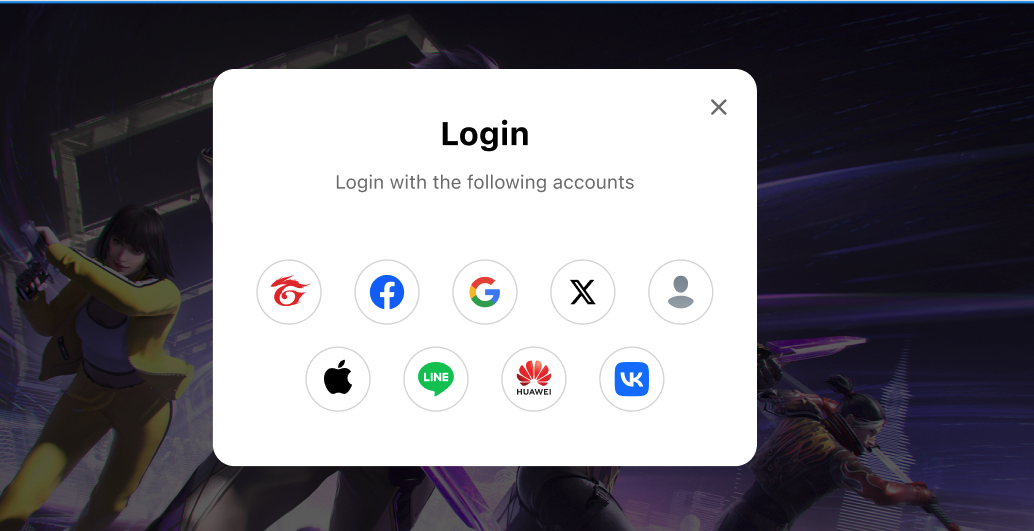
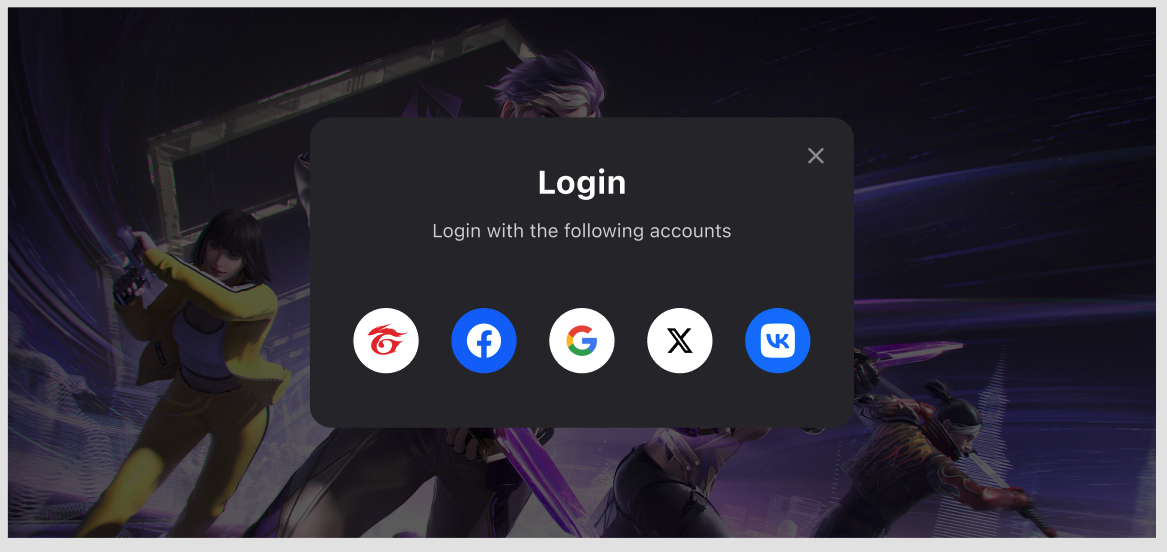
This provides a ready-to-use login UI that displays the supported login platforms configured for your game app in SGS App Data Center.
The UI is available in both light and dark modes.
Add dependencies
- Android
- iOS
- Unity
- Unreal
Add the following code in build.gradle on the app-level, and replace $msdk_version with the actual MSDK version.
dependencies {
  implementation "com.garena.sdk.android:login-ui:$msdk_version"
  // implementation other login platform modules
}
Usage
Display aggregated login UI
- Android
- iOS
- Unity
- Unreal
AggregatedLoginManager aggregatedLoginManager = new AggregatedLoginManager(activity);
aggregatedLoginManager.setOnLoginListener(/*listener instance*/this);
aggregatedLoginManager.showDialog(ThemeType.Light, new AggregatedLoginParams(
    List.of(
        new GarenaLoginParams(...), // // You can pass in the platform-specific login parameters here.
    ),
));
MSDKAggregatedLoginParams *params = [[MSDKAggregatedLoginParams alloc] initWithParams:loginParams platformPriorityList:buttonPriorityList];
[MSDKLoginUIManager.shared showDialogWithThemeType:themeType params:params completion:^(MSDKLoginRet * _Nonnull ret) {
    completion(ret);
}];
var param = new AggregatedLoginParams
{
    loginParamsList = loginParamsList,
    platformPriorityList = platformsList
};
GMSDKHandler.LoginClient.ShowLoginDialog(param, OnLoginCallback, null, (ThemeType)theme);
FAggregatedLoginParams LoginParams = FAggregatedLoginParams();
UMsdkLogin::ShowLoginDialog(ThemeType, LoginParams);
Customize the button order.
- Android
- iOS
- Unity
- Unreal
aggregatedLoginManager.showDialog(ThemeType.Light, new AggregatedLoginParams(
    List.of(
        new GarenaLoginParams(...), // // You can pass in the platform-specific login parameters here.
    ),
    List.of(
        LoginPlatform.GOOGLE, LoginPlatform.FACEBOOK, LoginPlatform.GUEST
    )
));
@objcMembers
public class MSDKAggregatedLoginParams: NSObject {

    /// Array of MSDKLoginParam used to configure each platform.
    /// For example: pageTitle for MSDKGarenaLoginParam, permissions for MSDKFacebookLoginParam.
    public let params: [MSDKLoginParam]

    /// Custom order of platform buttons using platform enum values.
    /// The UI will prioritize this list if the platforms are available.
    /// Leave empty to use the default ascending order.
    /// For example: [3, 1, 8] will show platform 3 (Facebook) in the top-left, followed by 1 (Garena) and 8 (Twitter).
    /// Remaining platforms will appear in ascending order.
    public let platformPriorityList: [UInt]

    public init(params: [MSDKLoginParam], platformPriorityList: [UInt]) {
        self.params = params
        self.platformPriorityList = platformPriorityList
    }
}
Customize your own login UI by getting available login platformsList
- Android
- iOS
- Unity
- Unreal
AccountManager accountManager = new AccountManager(activity);
accountManager.getAvailableLoginPlatforms(result->{
        if(result.isSuccess()) {
            List<Integer> platforms = result.unwrap();
            // render your login UI
        } else {
            MSDKError error = result.getErrorInfo();
            // request failed, maybe you should ask the user to try again?
        }
    });
[MSDKLoginManager.shared getAvailableLoginPlatformsWithCompletion:^(NSArray<NSNumber *> * _Nonnull platformList, NSError * _Nullable error) {
      completion(platformList, error);
}];
GMSDKHandler.LoginClient.GetAvailableLoginPlatforms(result =>
{
    LogScene.LogResult(result);
});
UMsdkLogin::GetAvailableLoginPlatforms();