Login via Google
Prerequisite
- Android
- iOS
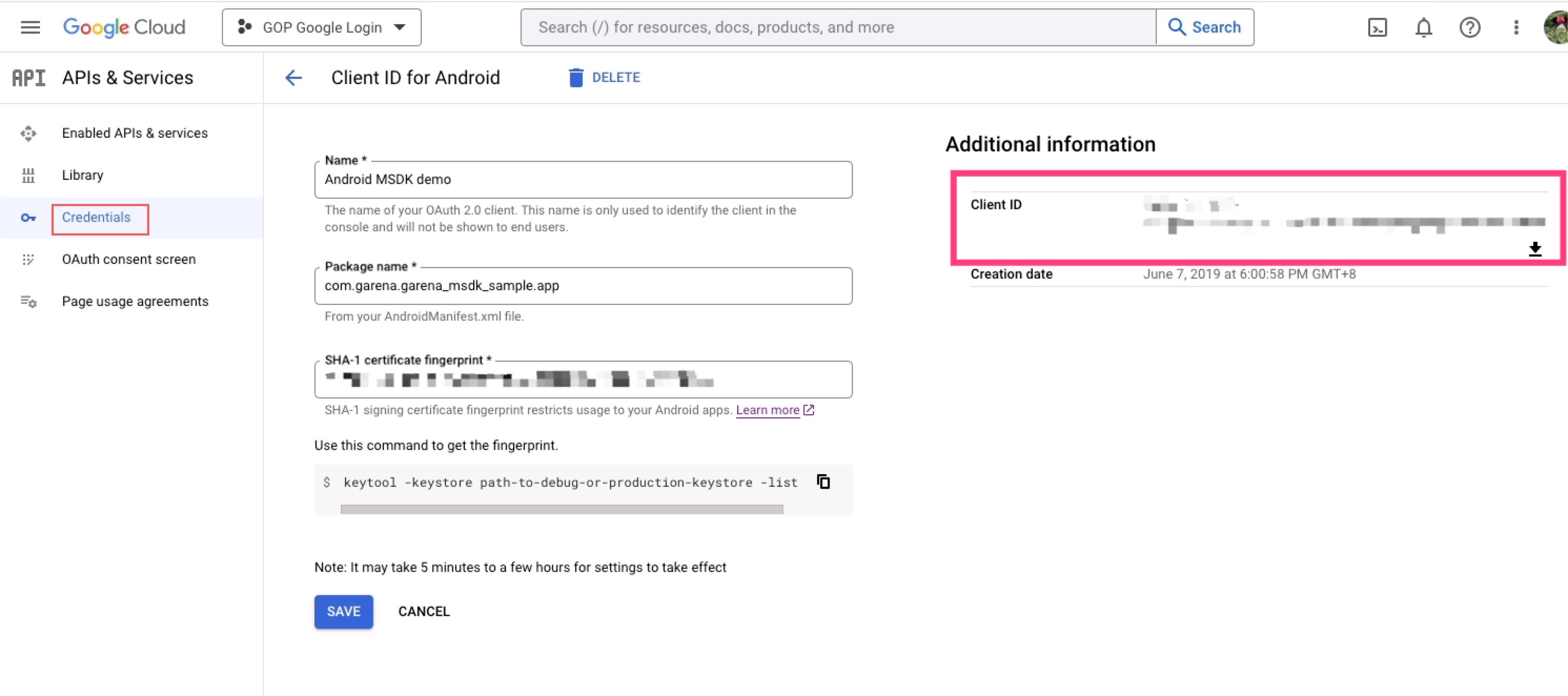
Create an Android credential from Google Cloud Console and get the Client ID
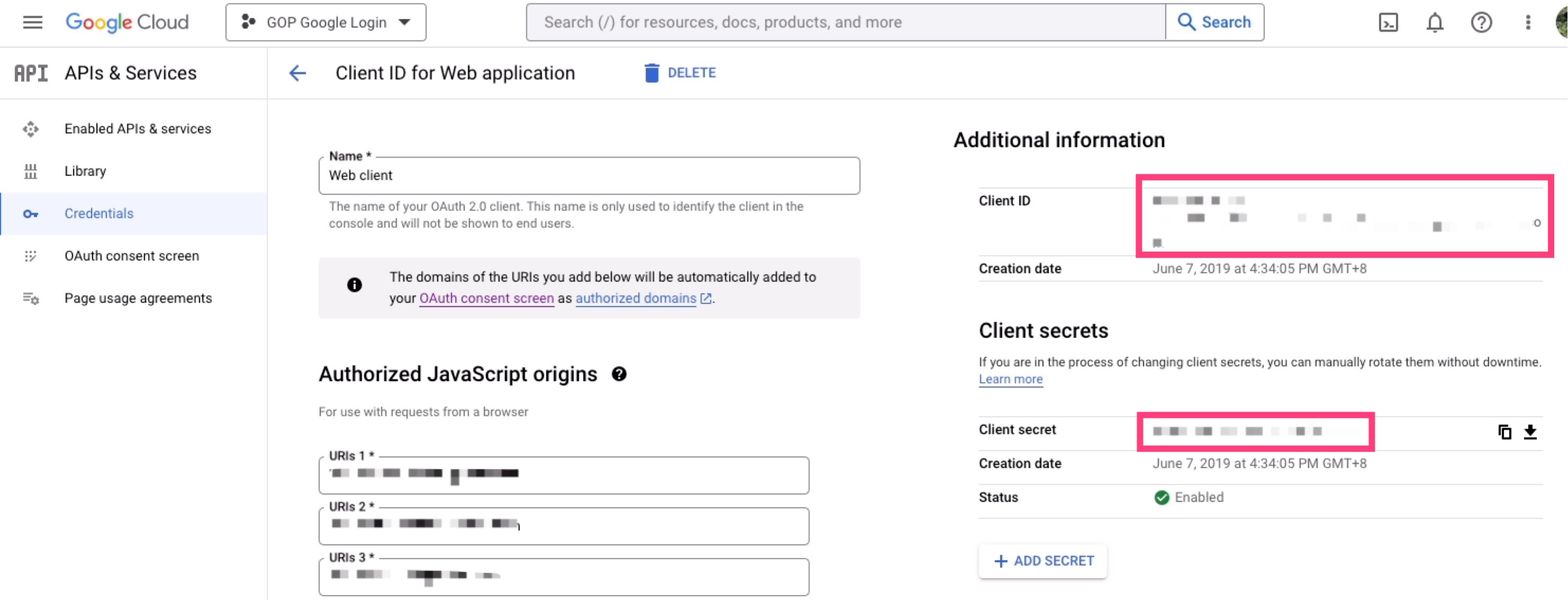
Create a Web credential from Google Cloud Console and get the Client ID/Client secret
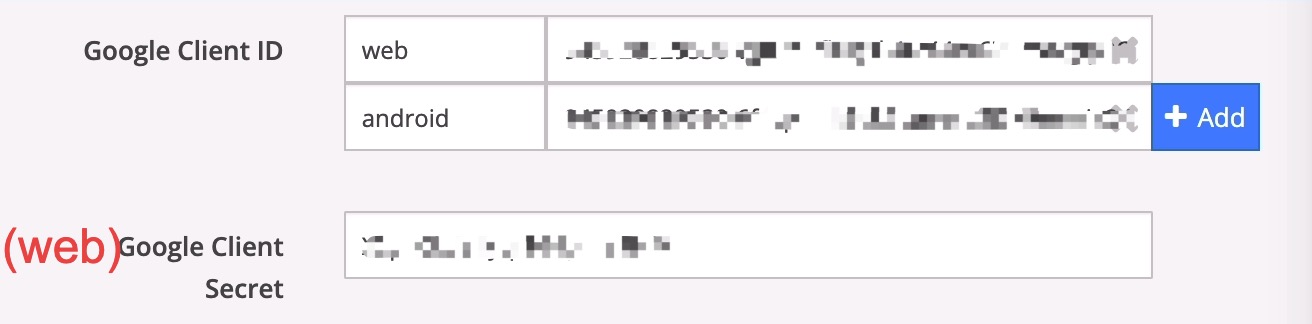
Configure these client ids and client secret above to Garena Open Platform console
Add dependencies
- Android
- iOS
Add the following code in build.gradle on the app-level, and replace $msdk_version with the actual MSDK version.
dependencies {
    implementation "com.garena.sdk.android:login-google:$msdk_version"
}
Configuration
- Android
- iOS
- Unity
- Unreal
Configure AndroidManifest.xml
<?xml version="1.0" encoding="utf-8"?>
<manifest xmlns:android="http://schemas.android.com/apk/res/android">

    ...

    <application ...>

         <meta-data
            android:name="com.garena.sdk.google_client_id"
            android:value="[google_client_id]" />
            ....
    </application>

</manifest>
Configure Info.plist
<key>GIDClientID</key>
<string>YOUR_IOS_CLIENT_ID</string>
<key>CFBundleURLTypes</key>
<array>
  <dict>
    <key>CFBundleURLSchemes</key>
    <array>
      <string>YOUR_DOT_REVERSED_IOS_CLIENT_ID</string>
    </array>
  </dict>
</array>
Configure Google -> Android Client Id(Web), Google -> iOS Client Id in Window -> GMSDK Settings
Configure GoogleClientIdAndroid, GoogleClientIdIOS, GoogleReversedClientIdIOS in Edit -> Project Settings -> Plugins -> Garena MSDK
Usage
- Android
- iOS
- Unity
- Unreal
AccountManager accountManager = new AccountManager(activity);
accountManager.login(PlatformType.GOOGLE, onLoginListener);
[MSDKLoginManager loginWithPlatform:MSDKePlatformGoogle completion:^(MSDKLoginRet *loginRet) {
		// handle login result
}];
GMSDKHandler.LoginClient.Login(AccountPlatform.Google, OnLoginCallback);
UMsdkLogin::Login(Google);